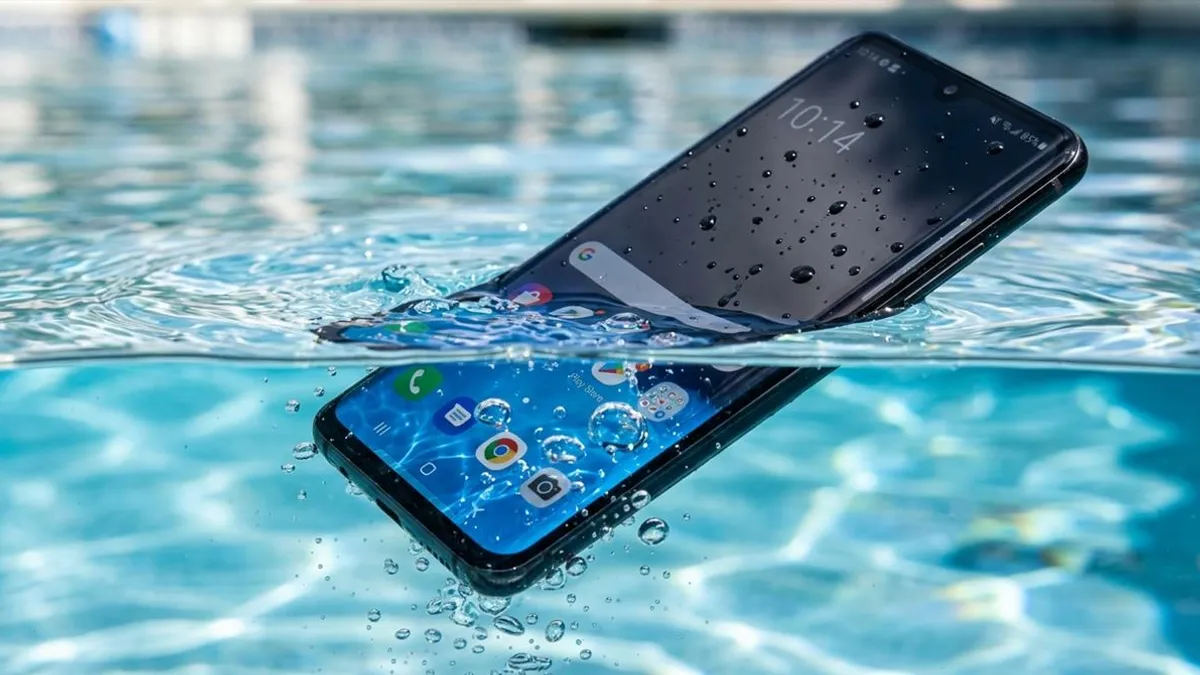
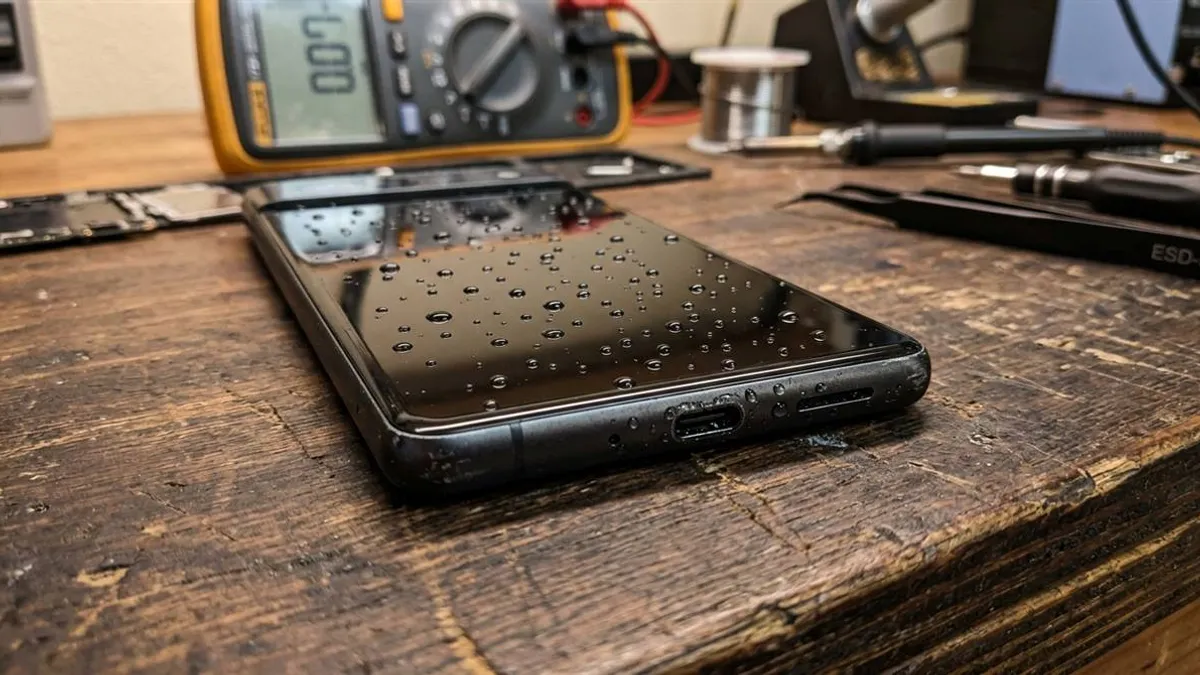
Phone Dropped in Water and Still Works? The Hidden Danger
 By Lucas Silva
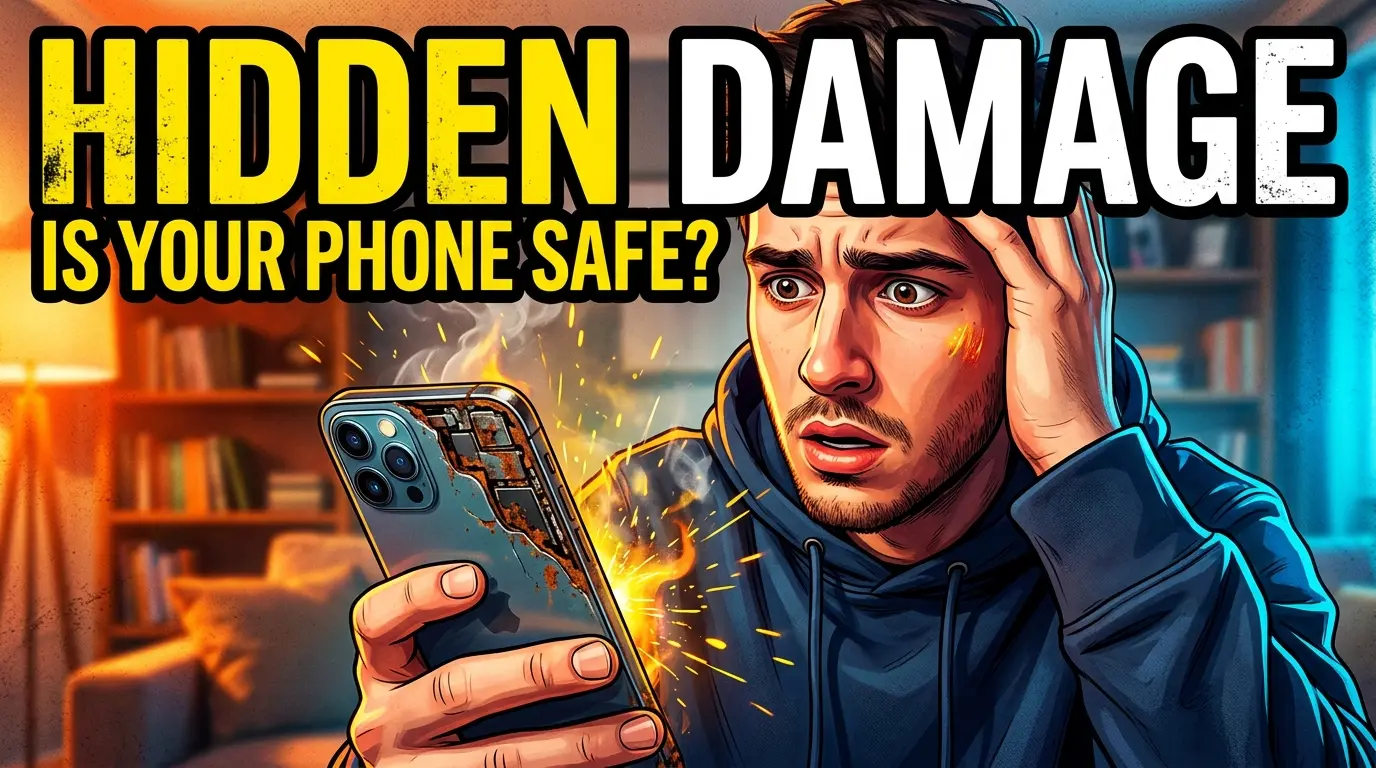
⚡ Bench Diagnostic Summary:
Pulling a phone out of water and seeing the screen illuminate normally creates the most dangerous illusion in smartphone repair: the belief that your device escaped harm. In micro-electronics, pure water does not kill circuits immediately — mineral oxidation does. Leaving the phone powered on turns moisture into an active acid bath that destroys logic boards within 48 to 72 hours.
The Illusion of the "Saved" Smartphone
Every technician with bench repair experience has heard the exact same story: "My phone fell into the sink yesterday. I wiped it on my shirt, it was working great, so I kept watching videos. Then this morning, the screen went black and it won't charge." This scenario accounts for over 60% of total-loss liquid damage boards that cross my workbench.
Modern flagship smartphones have tightly fitted glass and frame tolerances that slow down liquid ingress. When submerged, water doesn't flood the interior like an open bucket; it seeps in microscopically through seams and ports via capillary action. While outer glass is dry, microscopic droplets begin migrating across the motherboards while the phone continues running normally.
The Invisible Killer: What Galvanic Corrosion Actually Does
To understand why a functioning wet phone suddenly dies days later, you must understand the basic electrochemistry of galvanic corrosion. Your phone's logic board contains thousands of microscopic components: resistors, capacitors, and microchips soldered with copper, tin, silver, and gold leads separated by fractions of a millimeter.
As long as the lithium-ion battery remains connected, voltage (from 1.8V to 4.2V) continuously energizes these traces. Tap water contains dissolved salts, calcium, chlorine, and minerals. When these conductive electrolytes bridge an energized circuit, an electrical current flows through the water itself. This initiates rapid electrolysis: copper atoms are stripped from circuit traces and deposited as greenish-white crusty copper carbonate. Within 24 to 48 hours, essential power delivery traces dissolve completely, severing power lines forever.
The Golden Rule of Triage: Shut Down Immediately
The single most critical action you can take when your phone leaves the water — even if everything looks 100% flawless — is to shut it off immediately. Do not test the camera, do not back up photos, and do not text your friends. Every second voltage runs through moist circuits accelerates microscopic copper erosion.
Remove any protective cases, eject the SIM tray to create an escape path for internal humidity, and stand the phone vertically. Remember that factory IP68 water resistance seals degrade with age, so an older device has zero buffer against internal seepage.
Post-Water Exposure Corrosion Timeline
Here is what physically happens inside an energized smartphone that continues running after liquid contact:
| Timeline | Internal Hardware State | Visible Symptoms | Board Survivability |
|---|---|---|---|
| 0 to 2 Hours | Droplets enter ports; surface tension traps liquid in grilles | Slightly muffled sound; phone appears normal | 98% (If powered down now) |
| 6 to 12 Hours | Electrolysis begins on standby power rails; mineral deposit begins | Occasional touch stutter; port moisture warnings | 75% (Ultrasonic clean needed) |
| 24 to 48 Hours | Copper traces corrode through; solder pads oxidize and crumble | Flickering display, camera fogging, rapid battery drain | 35% (Micro-soldering required) |
| 3 to 7 Days | Power management IC short circuits; trace lines sever permanently | Complete black screen; device dead to all chargers | < 10% (Total logic board loss) |
How to Treat the Handset Over the Next 24 Hours
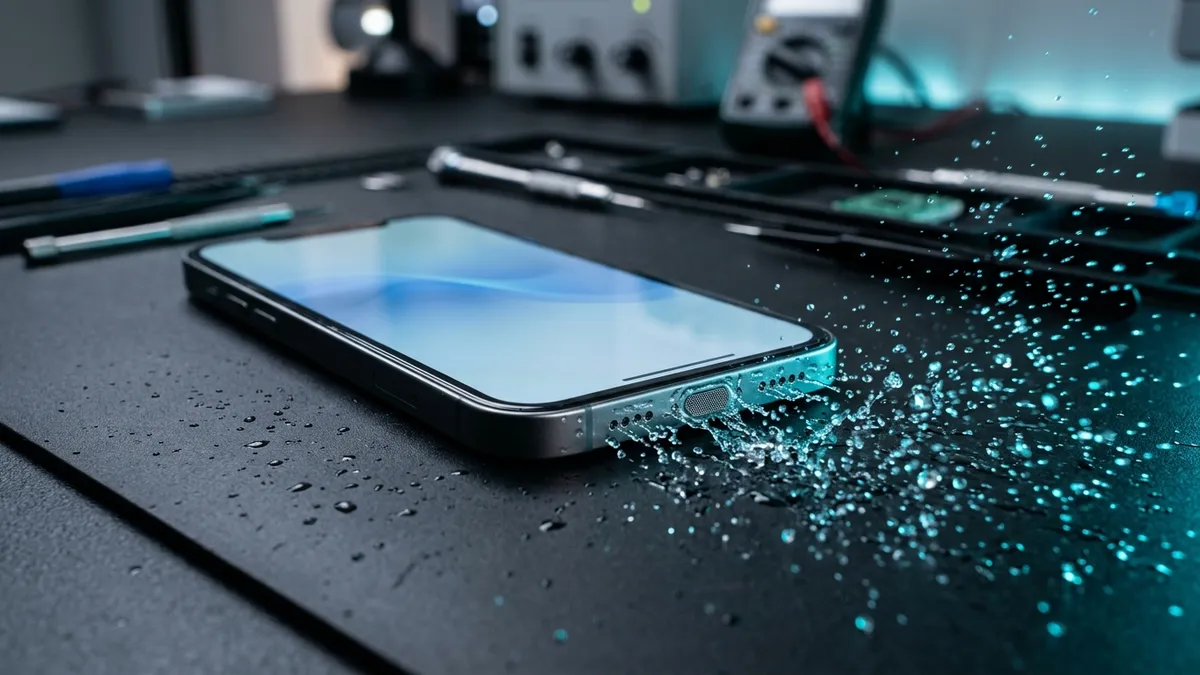
Leave the device powered down in front of an ordinary room fan for at least 12 to 24 hours. Never plug in a charging cable; if moisture is lingering in the connector, consult our moisture detected in USB port guide.
Once the drying window has elapsed and the phone is safe to boot, test the speakers. If incoming audio sounds tinny, raspy, or muffled, launch our free 165Hz Sound Ejector at full volume to blast out any stubborn remaining droplets clinging to the acoustic diaphragm.
Stealth Oxidation Across Major Smartphone Architectures
How delayed water damage manifests inside running devices depends on brand motherboard layouts:
- Apple Sandwiched Logic Boards (iPhone X through 16): Modern iPhones use two logic boards soldered together like a sandwich via thousands of micro-solder balls (interposer board). Water seeps into the middle cavity through capillary action; while exterior chips look dry, the interposer balls corrode quietly, causing random restarts, cellular baseband loss, and sudden death days later.
- Samsung Single-Board Layouts: Samsung boards are larger and spread components across more surface area. Water typically attacks the bottom daughterboard (sub-board) first, corroding microphone lines and charging sensors before migrating upward to the CPU.
- Xiaomi Multi-Flex Cables: Xiaomi designs route display and battery power through long ribbon cables connecting upper and lower boards. Water pools under these flat ribbon connectors, causing touch screen stutter and ghost touches 24 to 48 hours post-exposure.
Frequently Asked Hardware Questions
My phone fell in water but works fine. Can I keep using it?
No. Continued use keeps voltage flowing across damp circuit boards, which triggers rapid galvanic corrosion that eats copper logic board traces over 24 to 72 hours.
Why does sound sound muffled if the phone still works?
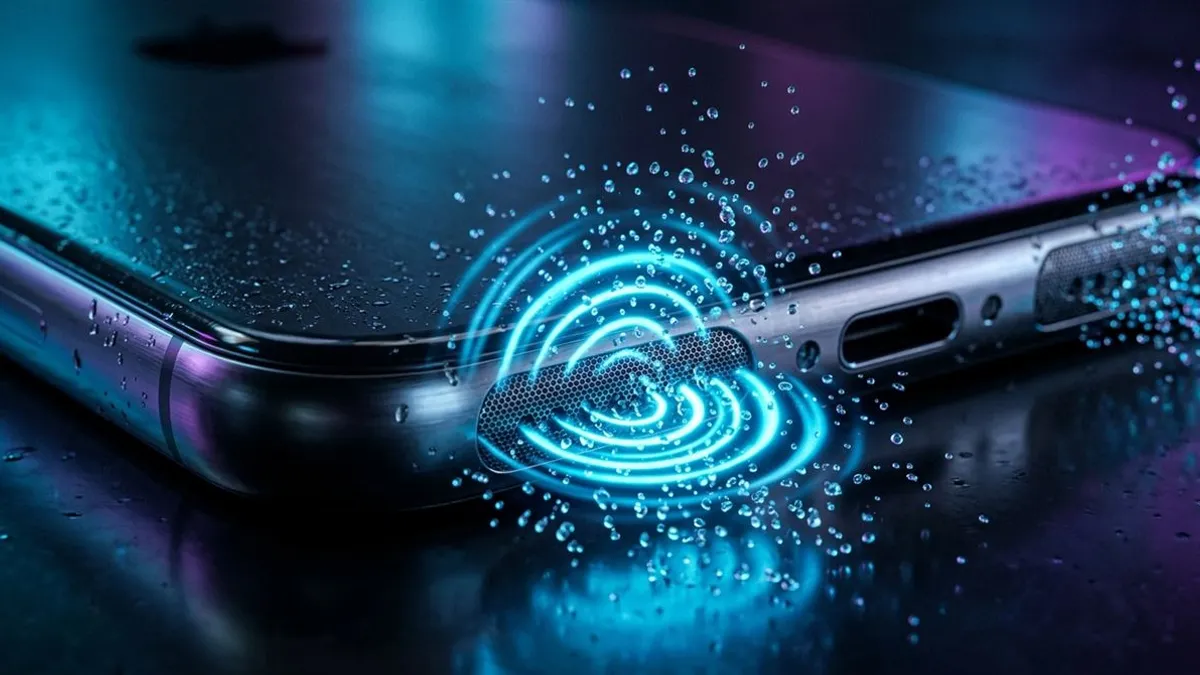
Water droplets are held across the acoustic mesh pores by surface tension. Run our calibrated 165Hz sound tool to physically expel the trapped liquid.
How long should I leave my wet phone powered off?
Power the phone off and leave it in room-temperature cross-ventilation for at least 12 to 24 hours to allow microscopic internal moisture to evaporate completely.
Written by Lucas Silva
Senior Audio Acoustics Engineer & Smartphone Hardware Specialist
Lucas Silva specializes in micro-soldering diagnostics, acoustic resonance calibration, and liquid ingress recovery across iOS and Android hardware architectures with 7+ years of bench laboratory experience.
Connect on Official LinkedIn