Can IP68 Waterproof Phones Get Water Damaged? The Hardware Truth
 By Lucas Silva
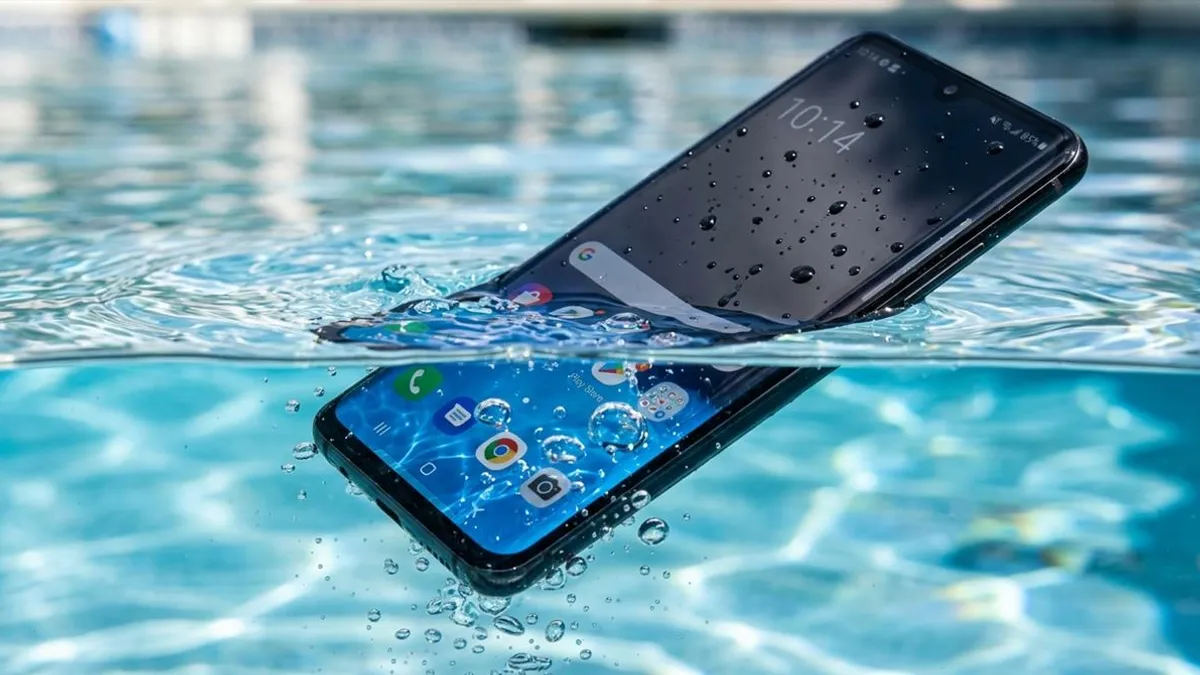
⚡ Bench Diagnostic Summary:
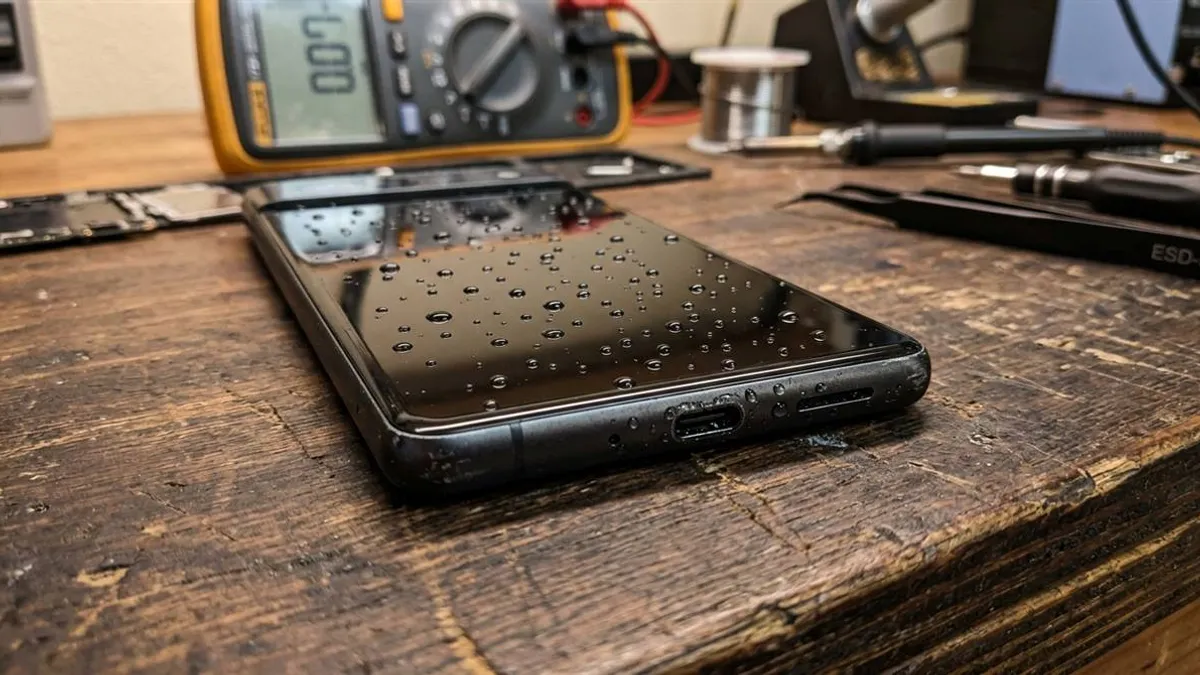
Every single week at my workbench, clients bring in flagship smartphones with water-ruined logic boards, stunned because their device carried an official IP68 rating. The hard reality of smartphone engineering: water resistance is a temporary laboratory defense, not permanent waterproofing. Seals degrade continuously through heat, micro-flexing, and drops.
The Engineering Reality Behind IP67 and IP68 Ratings
When marketing departments promote an IP68 smartphone, they rarely explain how the International Electrotechnical Commission tests these devices. In certification chambers, factory phones sit in motionless 20°C fresh water at static depth. No waves, motion, or steam exist in testing labs.
In the real world, you are never dropping your phone into static distilled water. You are dropping it into chlorinated pools, saltwater oceans, or soapy sinks. Moving liquid exerts moving water pressure that dramatically exceeds static laboratory thresholds. And on top of that, microscopic frame flexes when the phone hits the water surface generate momentary pressure spikes that bypass outer acoustic gaskets.
Why Manufacturers Refuse Warranty Coverage for Liquid Damage
Flip open the warranty booklet of any iPhone, Samsung Galaxy, or Google Pixel, and you will find an identical disclaimer: liquid damage is strictly excluded from standard manufacturer warranty. This is not accidental. Phone makers place Liquid Contact Indicators (LCIs) — small white paper strips that turn bright crimson upon moisture contact — inside the SIM tray slot and internal chassis.
If an authorized service center sees a pink or red indicator, your warranty claim is immediately rejected. Manufacturers understand that perimeter rubber gaskets and adhesive tapes dry out over months of usage. Pocket friction, minor drops, and ambient heat degrade internal glue bonds. Within 12 to 18 months, an IP68 phone often retains less than half its factory water seal.
The Destructive Enemies: Hot Steam, Chlorine, and Ocean Salt
Steam vapor behaves differently from liquid droplets. Hot shower steam causes metal and glass frame components to expand unevenly, letting microscopic vapor bypass outer acoustic gaskets that normal liquid cannot penetrate.
Once inside the cool internal chambers of your device, this vapor cools and condenses directly across sensitive surface-mount capacitors, initiating delayed logic board corrosion that eats copper solder joints over days. Chlorinated pool water and saltwater are even worse: chlorine oxidizes rubber gaskets into brittle crumbs, while ocean salt leaves crystalline electrolytic bridges that destroy microchips the second power flows through them.
Lab Comparison: Liquid Exposure vs IP68 Seal Integrity
Here is how different exposure environments physically affect factory IP68 smartphone seals based on bench inspection data:
| Exposure Condition | Fluid Surge Pressure | Rubber Gasket Effect | Bench Risk Level |
|---|---|---|---|
| Static Tap Water (1m) | Low (< 0.1 bar) | Maintains elastic seal on fresh handsets | Low (If < 1 yr old) |
| Hot Shower Steam | Variable Gaseous | Expands adhesive; vapor condenses inside | High (Stealth condensation) |
| Chlorinated Swimming Pool | Medium (Swimmer motion) | Chlorine dries and hardens silicone seals | High (Chemical degradation) |
| Ocean Saltwater Waves | Heavy wave impact | Salt deposits pit metal and breach gaskets | Critical (Instant galvanic short) |
Emergency Protocol When an IP68 Phone Gets Submerged
If your water-resistant phone takes an unexpected swim, never assume it survived unscathed simply because the screen remains illuminated. Follow these hardware bench steps immediately:
- Do Not Charge: Never plug in a Lightning or USB-C cable. Damp connector pins will arc, causing irreversible electrical ablation on pin contacts.
- Rinse Exterior If Salted: If dropped in salt water or pool water, rinse the exterior for 3 seconds under a gentle stream of fresh tap water to wash off corrosive minerals.
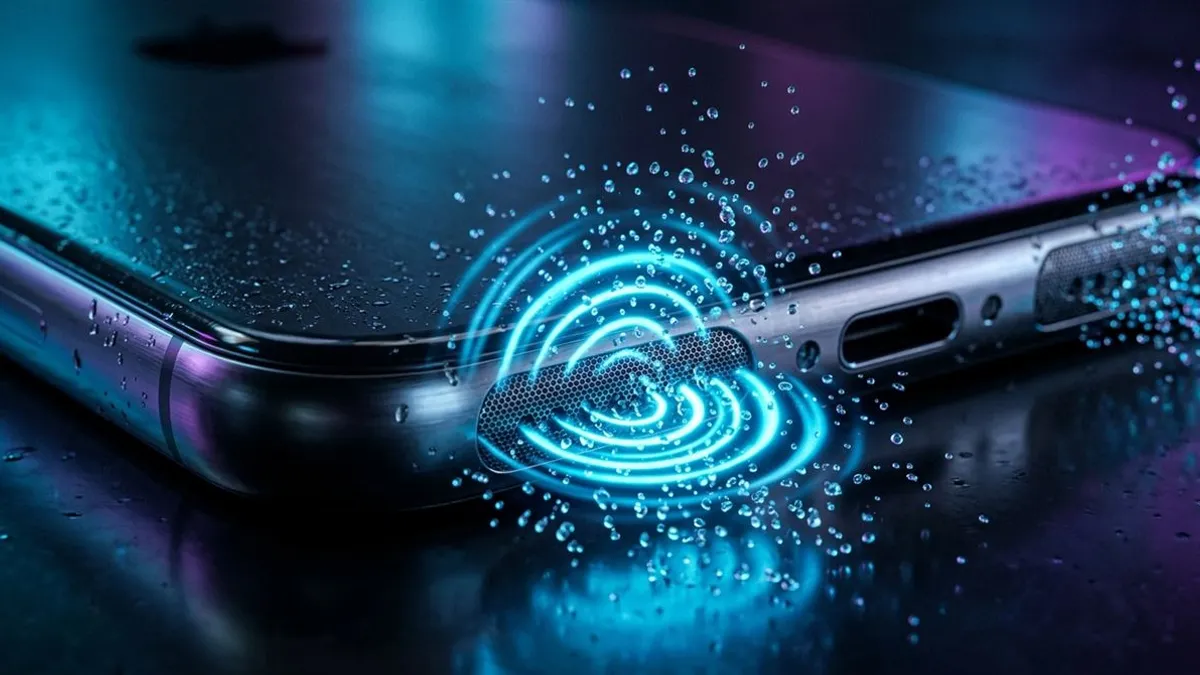
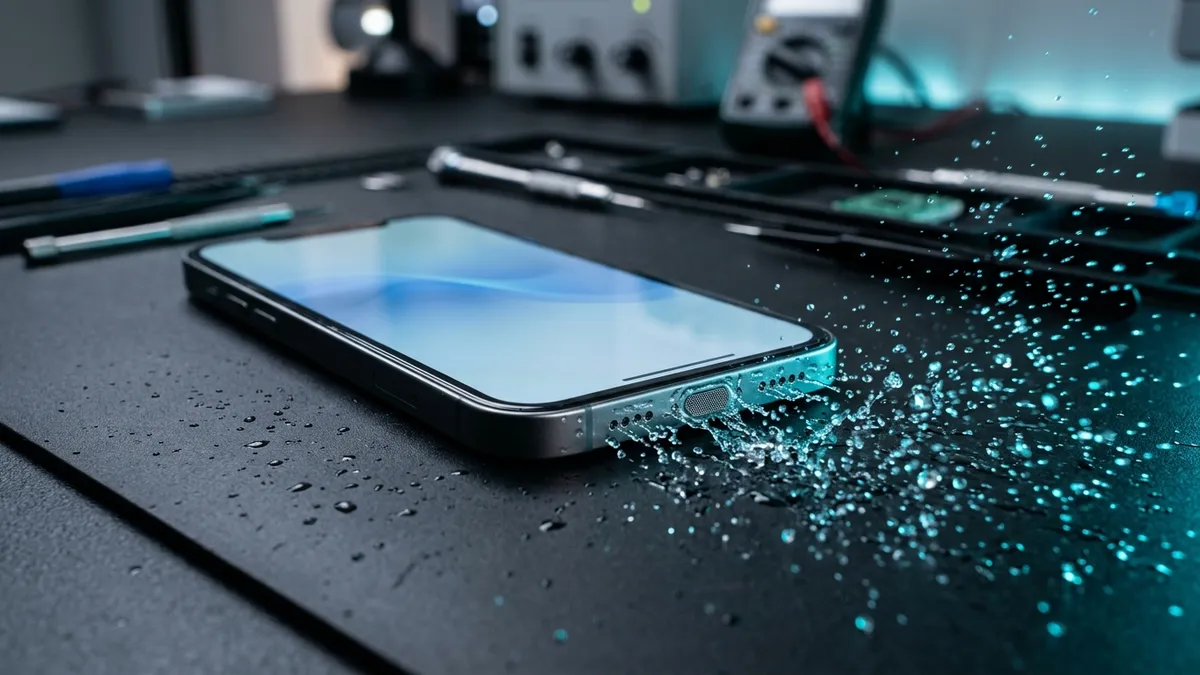
- Clear Acoustic Membranes: Water will be trapped behind the speaker grilles by surface tension, choking audio. Run our free 165Hz Water Eject tool with the speaker holes facing downward to physically eject trapped water droplets.
- Inspect Unresponsive Devices: If the phone flickers, overheats, or shuts down, follow our bench guide for a phone dropped in water that won't turn on before attempting another reboot.
Where the Waterproof Glue Fails on Each Brand
After hundreds of teardowns, I can tell where water got in based on the brand:
- Apple iPhone: Face ID sits in an unsealed cavity behind the earpiece. Shower steam condenses on the infrared prism and kills it permanently.
- Samsung Galaxy: The curved rear glass is glued around the camera bump with heat-activated adhesive. Body heat, car dashboards, wireless charging — all of it slowly cooks that glue dry. One day the phone hits water and it walks right through.
- Xiaomi & Redmi: Xiaomi mesh has microscopic holes. Surface tension traps every droplet — takes 360Hz to snap them loose.
- Motorola Handsets: P2i splash coatings bead surface water, but submerged pressure quickly enters internal boards.
Frequently Asked Hardware Questions
Does an IP68 rating mean my phone is completely waterproof?
No. IP68 denotes water resistance under strictly controlled laboratory conditions using static fresh water. It does not certify protection against high water pressure, moving currents, hot steam, or chemical liquids.
Why do smartphone warranties exclude liquid damage if the phone is rated IP68?
Perimeter rubber gaskets wear down from daily pocket friction, micro-drops, and chemical exposure. The moment that white LCI strip turns pink, your warranty is dead.
Can steam from a hot shower penetrate IP68 seals?
Vapor bypasses rubber gaskets that stop liquid cold. Heat softens perimeter adhesive — so steam condenses directly on the logic board.
What should I do if my IP68 phone gets wet in a chlorinated pool or ocean?
Rinse the exterior briefly with fresh tap water to dissolve corrosive chlorine or sodium chloride salts, pat dry with a microfiber cloth, and run our acoustic sound ejector at 165Hz to dislodge trapped speaker water.
Written by Lucas Silva
Senior Audio Acoustics Engineer & Smartphone Hardware Specialist
Lucas Silva specializes in micro-soldering diagnostics, acoustic resonance calibration, and liquid ingress recovery across iOS and Android hardware architectures with 7+ years of bench laboratory experience.
Connect on Official LinkedIn