How to Get Water Out of Phone: The Definitive Hardware Guide
 By Lucas Silva
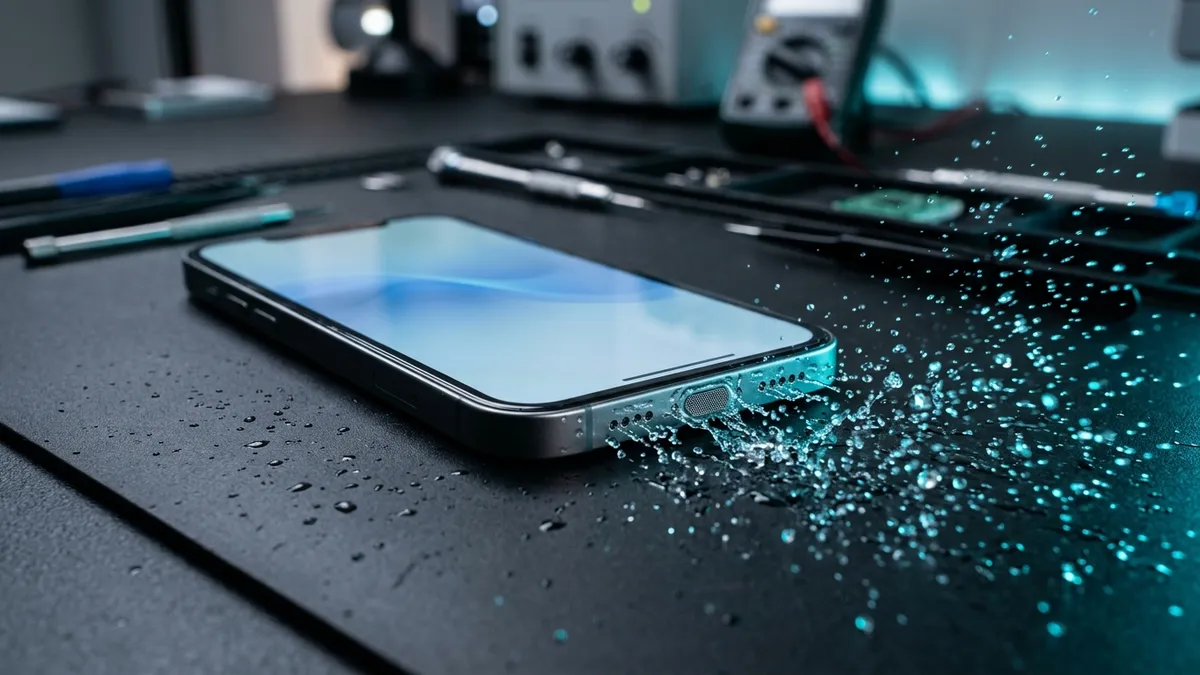
⚡ Bench Diagnostic Summary:
When a smartphone falls into water, surface tension and capillary action pull liquid into speaker cavities, charging ports, and microphone channels. Panicking, shaking the device, or blasting it with heat drives liquid deeper into logic boards; the only reliable fix is disciplined physics triage combined with calibrated acoustic ejection.
The 4 Exact Bench Steps to Extract Water from Any Phone
In my 7 years managing bench repairs, I have seen thousands of smartphones rescued simply because the owner performed the correct triage during the first hour. Here is the exact 4-step emergency sequence to execute the moment your phone leaves the water:
- Instant Power Down: Do not check messages, do not take photos, and do not test apps. Press and hold the power button and shut the phone off completely. Cutting electrical potential stops electrolytic galvanic corrosion cold.
- Strip External Barriers: Remove thick silicone cases, bumper covers, screen protectors with lifted edges, and eject the SIM card tray. Trapped water pools behind cases, creating a humid microclimate that forces moisture inside.
- Controlled Gravity Draining: Hold the phone vertically with the bottom speaker holes and charging port pointed directly downward. Tap the top edge gently against the heel of your hand. Surface tension will release gravity-fed droplets onto your palm.
- Cool Fan Drying: Position the handset standing upright in front of an ordinary electric desk fan blowing room-temperature air directly into the bottom ports for at least 3 to 5 hours.
Popular Internet Methods vs What Bench Physics Actually Proves
The internet is overflowing with well-meaning but destructive DIY advice for wet phones. Let us dispel the most dangerous myths with laboratory physics:
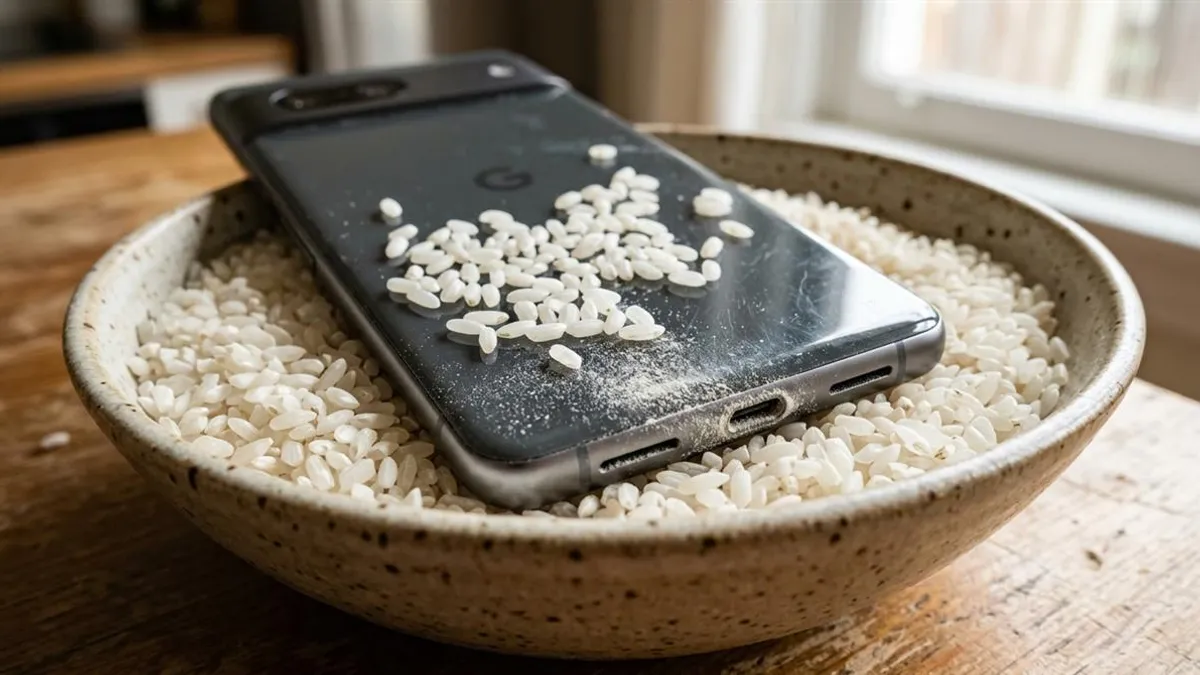
Myth 1: The Raw Rice Jar. Uncooked rice has very low hygroscopic absorption at room temperature. More critically, rice sheds fine starch dust that enters charging ports, turning into a sticky paste that permanently corrodes contacts. Rice delays real recovery.
Myth 2: Hair Dryers and Ovens. Heat is the ultimate enemy of modern electronics. Temperatures above 50°C soften perimeter screen adhesive, warp plastic camera lens elements, and can cause lithium-ion battery cells to swell or catch fire. Always use cool, room-temperature moving air.
Myth 3: Violent Shaking. Shaking your handset violently acts like a centrifuge, propelling liquid droplets that were safely resting on exterior grilles deep into the internal motherboard chambers. Follow the first 5 minutes water emergency protocol instead.
The Illusion of Water Resistance and Stealth Corrosion
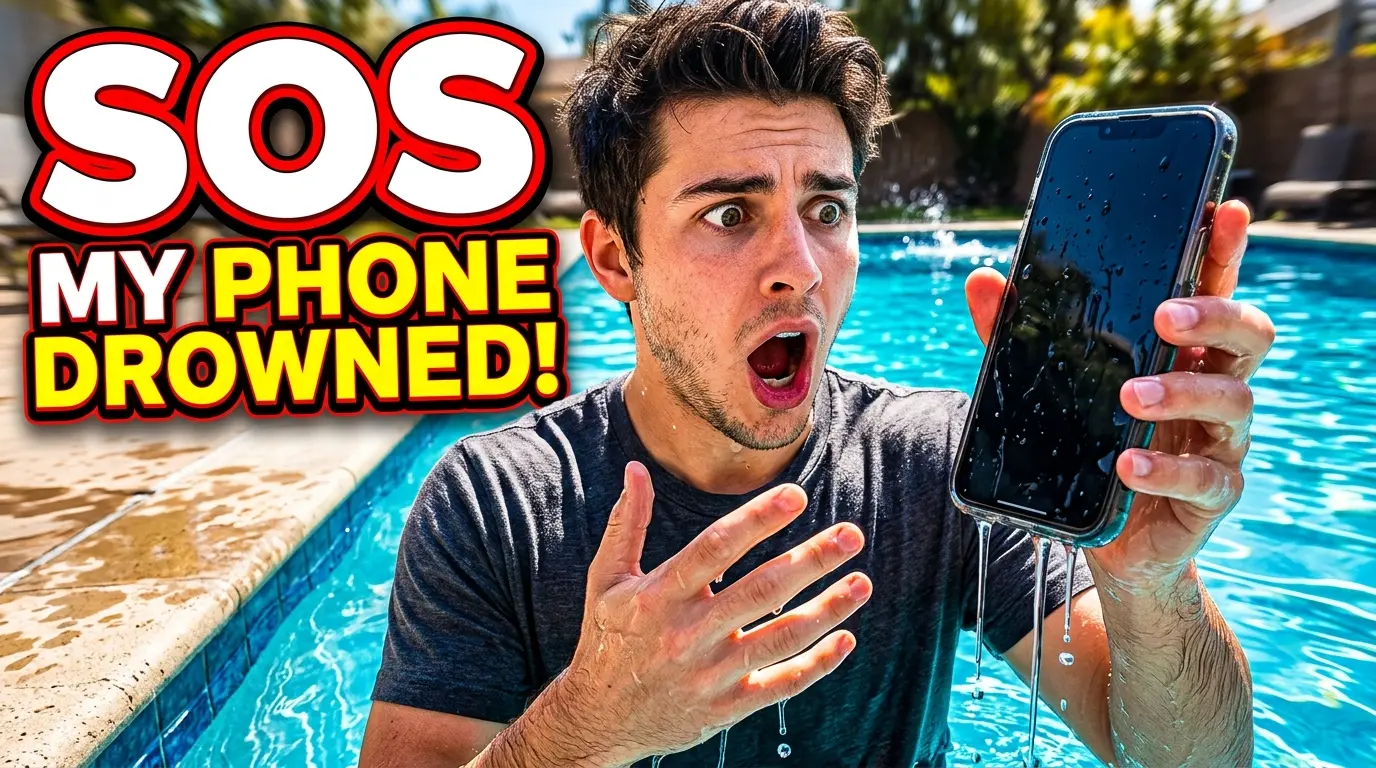
Many users pull their phone from a swimming pool, wipe the glass on their jeans, and continue scrolling social media because the screen still works. This creates a dangerous false sense of security. Pure water is actually a poor conductor of electricity, but tap water, pool water, and toilet water contain dissolved mineral salts: calcium, magnesium, chlorine, and sodium.
As water slowly evaporates over 24 to 72 hours, these conductive mineral crystals remain behind on circuit board components. The moment you plug in a high-wattage fast charger, electrical current bridges across these mineral deposits, initiating sudden dendritic copper corrosion that kills power management microchips without warning.
Liquid Evacuation Efficiency by Method
Here is how different extraction techniques rate in bench trials on removing water from internal acoustic cavities:
| Method | Operating Physics | Hardware Risk | Bench Success Rate |
|---|---|---|---|
| 165Hz Acoustic Wave Ejection | Electromagnetic voice coil air pulses | Zero (Non-invasive) | 96% (Speaker cavities) |
| Microfiber Dab + Fan Airflow | Convective evaporation & capillary wicking | Zero (Safe) | 88% (Ports and seams) |
| Uncooked White Rice | Static passive grain adsorption | High (Starch pastification) | 18% (Ineffective) |
| Hair Dryer / Heat Gun | Thermal vaporization | Extreme (Adhesive & battery damage) | Catastrophic failure |
Unclogging Speakers with Calibrated Sound Waves
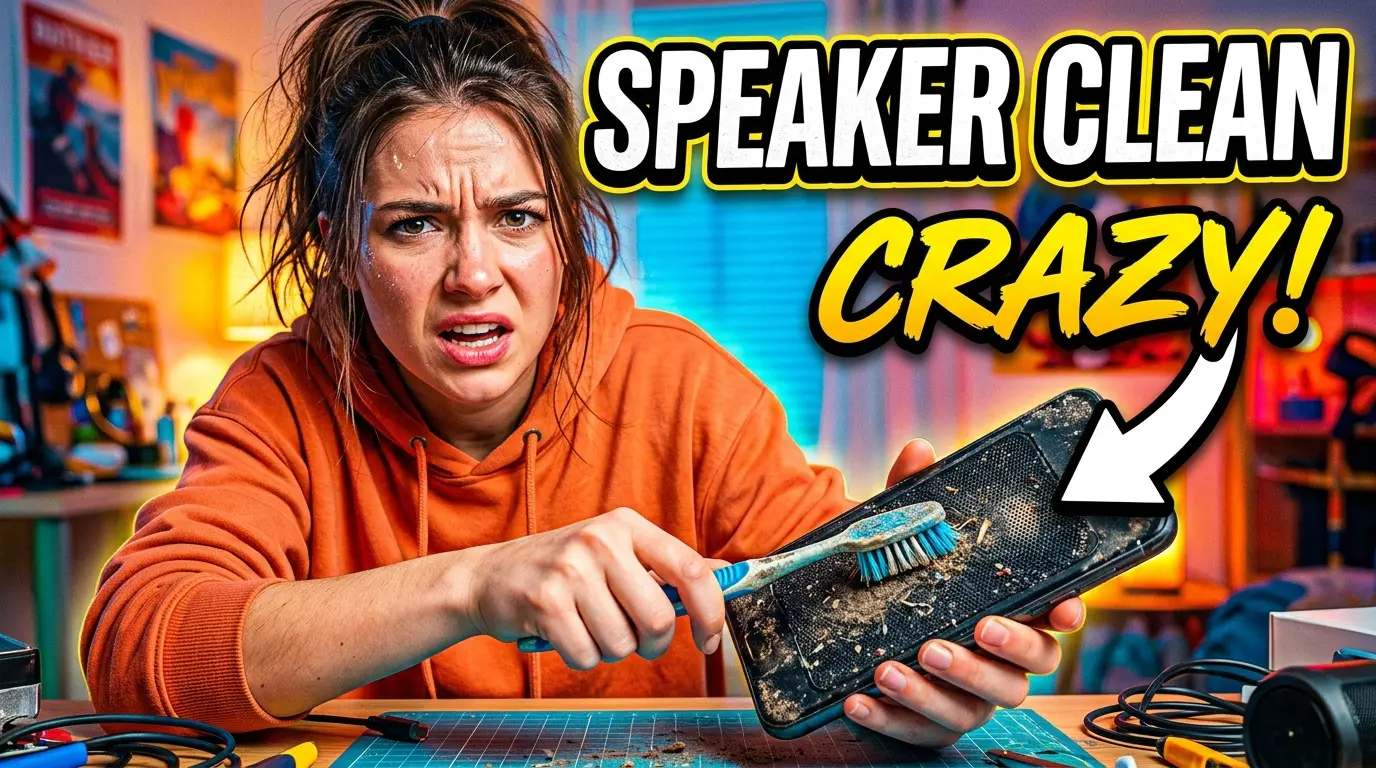
Water trapped inside acoustic grilles cannot simply be wiped away with a towel because surface tension creates a continuous liquid film across the microscopic holes. To break this film, launch our free Water Eject 165Hz Online Sound Generator.
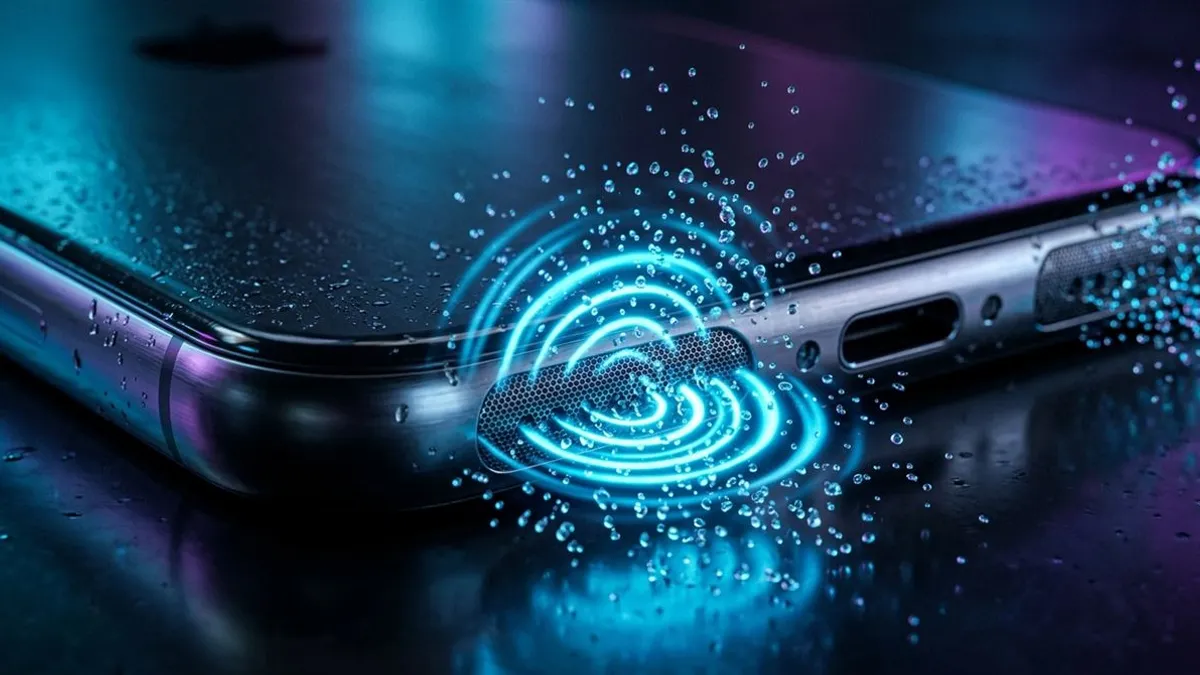
Play the sound at 100% volume with the speakers pointed downward. The continuous 165Hz sawtooth wave makes the speaker diaphragm vibrate violently at its mechanical resonance, creating rapid air displacement that pushes trapped water droplets outward. If your phone refuses to power on at all after exposure, review our bench diagnostic for a wet phone that refuses to turn on.
Brand-Specific Water Rescue Nuances: Apple vs Samsung vs Xiaomi vs Motorola
While basic fluid dynamics apply to all smartphones, each manufacturer requires specific handling:
- Apple iPhones: Never force open the battery. Use wireless charging if ports are damp. Run 165Hz sound ejection to clear both drivers.
- Samsung Galaxy: Moisture sensors block cable charging. Clear the USBSettings system cache after drying. Diaphragms respond best to 170Hz sweeps.
- Xiaomi & POCO: Higher-impedance mesh requires 360Hz high-frequency acoustic waves to break trapped surface tension meniscuses.
- Motorola: Often coated with nano-repellent barriers. Keep tilted downward at 45 degrees to let water drain freely off internal surfaces.
Frequently Asked Hardware Questions
How long does a water-damaged phone take to dry naturally?
In a room with active cross-ventilation, surface ports dry within 4 to 8 hours. However, internal moisture trapped behind waterproof membranes can take 24 to 48 hours to evaporate completely.
Can shaking my phone remove trapped water?
No! Violently shaking a wet phone drives water droplets deeper into internal chassis chambers, forcing liquid past rubber gaskets onto logic board circuits.
Why does sound become muffled immediately after water exposure?
Liquid forms a surface-tension meniscus across the microscopic pores of the speaker mesh, physically choking sound waves until acoustic pressure breaks the film.
Written by Lucas Silva
Senior Audio Acoustics Engineer & Smartphone Hardware Specialist
Lucas Silva specializes in micro-soldering diagnostics, acoustic resonance calibration, and liquid ingress recovery across iOS and Android hardware architectures with 7+ years of bench laboratory experience.
Connect on Official LinkedIn