Water in Phone Screen: How to Fix Water Spots and Display Stains
 By Lucas Silva
⚡ Bench Diagnostic Summary:
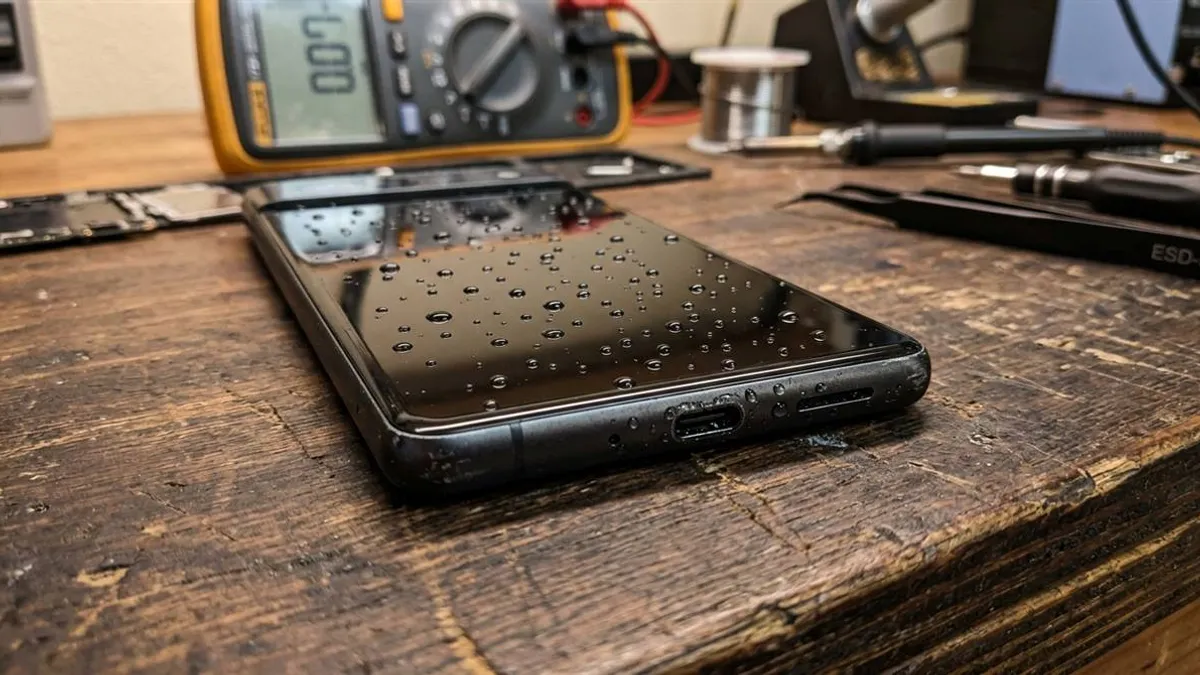
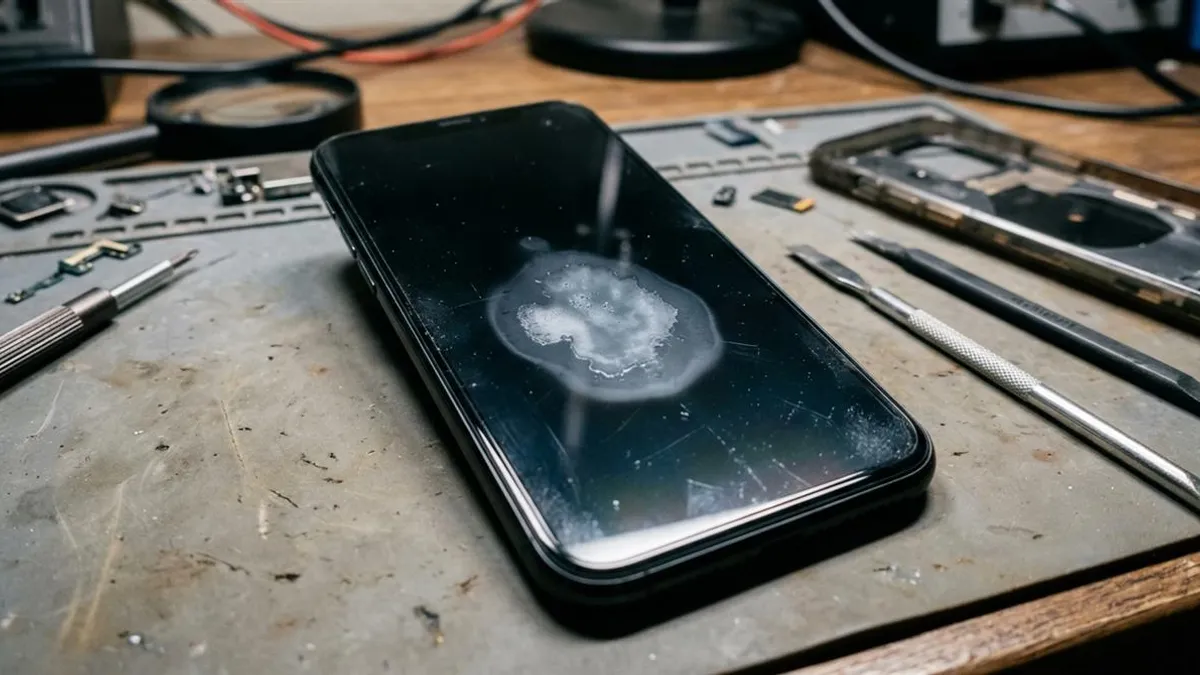
Discovering bright glowing blotches, dark spreading stains, or rainbow ripples beneath your smartphone display glass means liquid has penetrated the perimeter screen bezel. How you handle display water depends fundamentally on whether your phone uses an IPS LCD backlight panel or an emissive OLED/AMOLED display.
Why Water Stains Appear Behind Display Glass
A modern smartphone screen looks like a single thin sheet of glass, but it is actually a laminated sandwich of multiple precision optical layers. In front is tempered cover glass, bonded to a capacitive touch digitizer, sitting atop the display matrix itself.
When a phone is submerged, capillary action draws water into the microscopic gap around the plastic bezel frame. Once liquid breaches the perimeter adhesive seal, it creeps between the display layers. Because liquid has a different refractive index than air and optical adhesive, light passing through is bent and scattered irregularly, producing the characteristic blotches, cloudy patches, or shimmering dark stains visible to the naked eye.
LCD vs AMOLED: What Water Damage Actually Does to Each Technology
The physical consequences of screen moisture differ drastically depending on the panel technology in your device:
IPS LCD Screens (iPhone 11, iPhone SE, budget Androids): LCDs do not emit their own light; they rely on a powerful LED backlight assembly located behind the liquid crystal layer. This assembly consists of 4 to 6 microscopic optical diffuser sheets and prismatic reflectors. When water enters these sheets, surface tension glues them together, creating bright, uneven glowing white patches. While annoying, LCDs rarely die from clean water, and touch functionality usually remains operational.
OLED and AMOLED Displays (iPhone 12-16, Samsung Galaxy S, flagship Pixels): OLED panels have no backlight; every individual organic diode generates its own illumination. When liquid contacts the microscopic cathode and anode layers of an OLED panel, the electrical current causes immediate electrochemical decomposition of the organic light-emitting polymers. This manifests as permanent black dead-pixel ink blotches, green vertical lines, or flickering lime-green strobe flashes that spread across the panel.
The Worst Things People Do to a Stained Screen
When users notice water stains beneath their display, they frequently make three catastrophic errors that turn a manageable drying task into a mandatory $250 display replacement:
- Pressing on the Stains: Pressing down hard on water blotches with your thumbs forces liquid sideways into previously dry areas of the backlight assembly and can crush delicate liquid crystal cells.
- High-Heat Hair Dryers: Excessive heat softens optical clear adhesive (OCA), causing the polarizers to blister and separate from the glass, resulting in permanent optical burn marks.
- Putting in Rice: Uncooked rice does not generate enough vapor pressure to extract water trapped between laminated display sheets. Review our guide on condensation trapped inside phone camera lenses to understand why desiccants require controlled airflow.
Display Technology Water Ingress Vulnerability Matrix
Here is how LCD and OLED displays compare during liquid ingress bench evaluations:
| Panel Architecture | Visual Moisture Symptom | Touch Digitizer Impact | Bench Reversibility |
|---|---|---|---|
| IPS LCD (Backlit) | Bright white glowing blotches; uneven backlight | Usually 100% responsive | 70% Fades with gentle drying |
| Super AMOLED / OLED | Black ink spots; green lines; flashing | Ghost touches or dead touch zones | < 15% (Requires panel replacement) |
| Foldable Flexible OLED | Crease line failure; dead display half | Total touch loss across crease | Irreversible without assembly swap |
How to Safely Dry Screen Moisture at Home
If your phone has an LCD screen with water spots, execute this safe bench drying procedure:
- Power off the phone immediately to stop current from causing electrolytic pin degradation.
- Place the phone face-up on a soft towel in a warm, dry room with good air circulation. You may place it near a gentle heat source (like 30cm away from a warm router or game console exhaust) where temperatures never exceed 38°C to 42°C.
- Allow 24 to 48 hours for the moisture between diffuser sheets to evaporate gradually.
- Once the screen is dry, launch our free Water Eject 165Hz sound generator to clear any water that settled into the bottom speakers. If the phone shuts down completely during drying, review our diagnostic steps for a phone dropped in water won't turn on.
Display Panel Water Ingress Across Flagship Models
Different panel designs exhibit distinct water stain behaviors when liquid breaches the perimeter bezel:
- Apple iPhone Displays: Older LCD models develop white patches near bottom backlight strips. On OLED models (iPhone 12 to 16), water causes ghost touches and green lines.
- Samsung AMOLED Panels: Bonded with tight optical adhesive. However, if liquid reaches bottom COF flex cables, the display flashes white and cuts out.
- Budget Android IPS Displays: Loose lamination lets water seep between reflective backplates and diffusers, creating oily rainbow halos that take days to evaporate.
Frequently Asked Hardware Questions
Do water stains on a phone screen go away on their own?
On LCD screens, minor clean water spots may fade as liquid evaporates, but mineral residues often leave permanent faint outlines across diffuser sheets. On OLED screens, dark spots indicate permanent organic diode failure.
Why do water stains look bright and blotchy on some phones and dark on others?
LCD screens use reflective backlight diffuser sheets that amplify trapped water into bright white patches. OLED screens emit light per-pixel; water creates dark spots where pixels short out.
Will acoustic sound waves clear water from behind the screen?
No. Sound waves only clear speaker grilles. Water behind screen layers requires gentle heat-pad evaporation or professional screen replacement.
Written by Lucas Silva
Senior Audio Acoustics Engineer & Smartphone Hardware Specialist
Lucas Silva specializes in micro-soldering diagnostics, acoustic resonance calibration, and liquid ingress recovery across iOS and Android hardware architectures with 7+ years of bench laboratory experience.
Connect on Official LinkedIn