How to Get Water and Fog Out of Phone Camera Lens
 By Lucas Silva
⚡ Bench Diagnostic Summary:
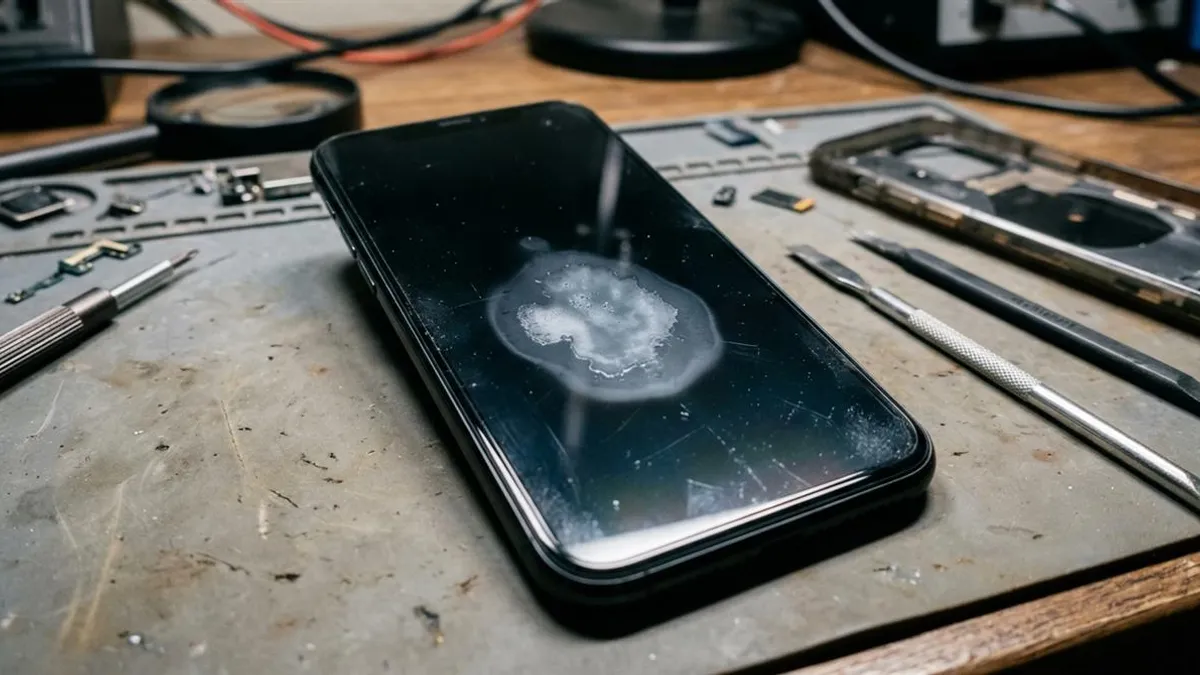
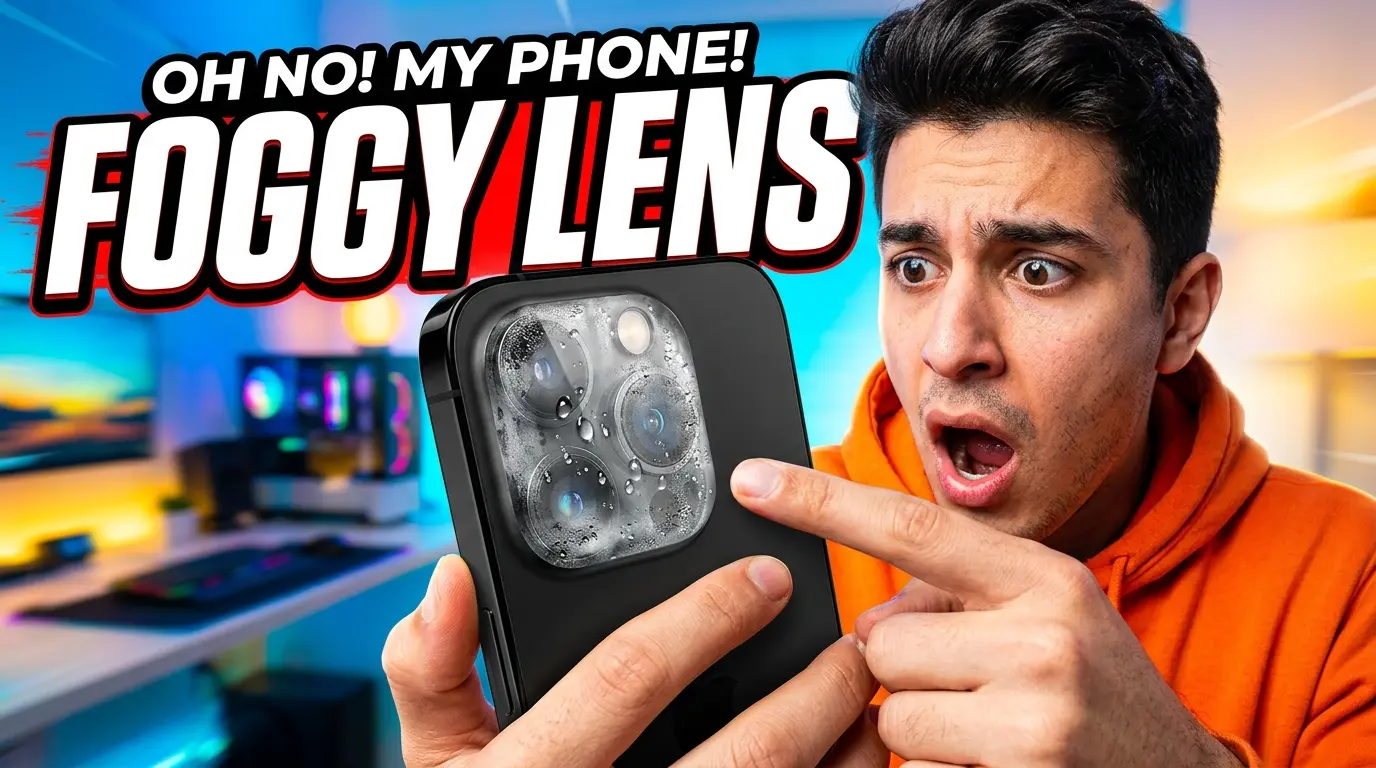
Finding water condensation or foggy moisture behind the protective sapphire glass of your smartphone's camera lens is an unmistakable red flag: internal water resistance seals have failed, and liquid vapor has breached the internal chassis. Acoustic sound tools cannot reach sealed camera chambers; resolving lens fog requires controlled desiccant extraction.
The Hard Truth: Why Sound Waves Cannot Reach Camera Modules
We believe in absolute technical honesty at Water Eject Pro. While our 165Hz acoustic wave tool is exceptionally effective at blasting liquid out of open speaker grilles and earpiece ports, it cannot remove moisture trapped inside your camera lens. Smartphone cameras are mounted in separate optical sensor brackets sealed behind exterior glass covers.
Acoustic sound waves generate air pressure displacement through speaker voice coils; they do not circulate air behind camera lenses. If a website claims sound waves will defog your camera glass, they are deceiving you. Clearing optical condensation requires understanding the physics of phase transition and vapor absorption.
Why Camera Lenses Fog Up: Condensation and Thermal Inversion
When water droplets enter a smartphone chassis, they settle on metal thermal heat spreaders and battery casings. When you use your phone, the CPU and battery generate heat, warming the trapped internal moisture into invisible water vapor.
When you take your phone outdoors or into air conditioning, the exterior sapphire camera glass cools rapidly. The warm internal water vapor hits the cold interior surface of the camera lens, immediately undergoing condensation and turning back into microscopic liquid droplets. Even modern handsets with IP68 water resistance can get damaged when aged rubber gaskets allow vapor infiltration.
The Lethal Danger of the Hair Dryer
The most common DIY reaction to a foggy camera lens is blasting it with a high-heat hair dryer. On my repair bench, this is responsible for devastating optical failures. Modern smartphone cameras feature multi-element plastic lens stacks (often 5 to 7 precision-molded lenses) positioned microns apart.
Applying direct heat softens the optical adhesives bonding these lens groups, distorts the plastic lens curvature, and destroys the autofocus voice-coil actuator (OIS). Your camera will permanently lose the ability to focus cleanly. Even worse, heat expands internal air, driving moisture deeper onto image sensor chips.
Camera Lens Defogging Methods Comparison
Here is how common defogging techniques compare in terms of safety and optical integrity:
| Defogging Method | Extraction Physics | Optical Element Safety | Bench Success Rate |
|---|---|---|---|
| Sealed Silica Gel Chamber | Hygroscopic vapor pressure gradient | 100% Safe (Zero heat or pressure) | 92% (Clears in 12-24h) |
| Moderate Room Fan Airflow | Convective boundary layer evaporation | Safe (With SIM tray removed) | 75% (Takes 24-48h) |
| Hair Dryer / Heat Gun | Forced thermal vaporization | Extreme Rupture Risk (Warps lenses) | Catastrophic optical damage |
| Raw Rice Bowl | Minimal passive adsorption | Starch dust enters camera gaps | Fails completely |
The Only Safe Bench Method: The Silica Gel Chamber
To clear fogged camera lenses safely without risking component warping, follow this proven bench protocol:
- Power off the phone and remove the SIM card tray. This creates an open air escape channel for internal humidity.
- Place the smartphone inside a small, airtight plastic container or ziplock bag filled with 5 to 10 fresh silica gel desiccant packets (the kind packaged with electronics or shoes).
- Seal the container completely and leave it in a warm, dry room for 18 to 24 hours. The silica gel will establish a steep vapor pressure gradient, drawing internal moisture out through the open SIM slot.
- Once the camera glass is clear, power on the phone and launch our free 165Hz sound generator to expel any moisture remaining in speaker ports. If moisture also entered your display, check our guide on fixing water blotches on phone screens.
Camera Module Architecture Across Flagship Devices
Understanding optical moisture ingress requires examining how camera modules are physically assembled:
- iPhone Multi-Camera Plate (iPhone 13 to 16 Pro): Apple mills the camera bump out of the single rear glass sheet, with sapphire crystal lens caps pressed into metal trim rings. Moisture enters through the perimeter seal around the LiDAR sensor or microphone hole, settling behind the ultra-wide lens first due to thermal gradients.
- Samsung Galaxy S22 to S25 "Contour Cut" Lens Rings: Samsung separates each camera lens into an independent floating metal ring. Ingress occurs if adhesive beneath any individual ring weakens. Because lenses are isolated, fogging often affects only the primary 200MP sensor while telephoto lenses remain clear.
- Xiaomi Large 1-Inch Sensor Modules: Flagship Xiaomi handsets (like 13/14 Ultra) feature massive 1-inch optical sensors with complex internal heat pipes. When moisture enters, thermal dissipation creates persistent condensation directly over the center sensor glass, requiring extended 24-hour silica gel desiccant drying.
Frequently Asked Hardware Questions
Can the 165Hz sound tool remove moisture from camera lenses?
No. Camera lens assemblies are hermetically isolated optical cavities. Sound waves vibrate speaker cones, not camera glass. Camera condensation requires desiccant absorption or gentle air drying.
Can I use a hair dryer to clear camera lens fog?
Never use a hot hair dryer! Excessive heat melts the optical adhesive bonding multi-element lenses and can permanently warp plastic lens barrels, ruining camera focus.
How long does condensation take to clear using silica gel?
Sealing the phone in an airtight container with fresh silica gel packets will typically absorb trapped internal condensation within 12 to 24 hours.
Written by Lucas Silva
Senior Audio Acoustics Engineer & Smartphone Hardware Specialist
Lucas Silva specializes in micro-soldering diagnostics, acoustic resonance calibration, and liquid ingress recovery across iOS and Android hardware architectures with 7+ years of bench laboratory experience.
Connect on Official LinkedIn