Phone Dropped in Water: What to Do in the First 5 Minutes
 By Lucas Silva
⚡ Bench Diagnostic Summary:
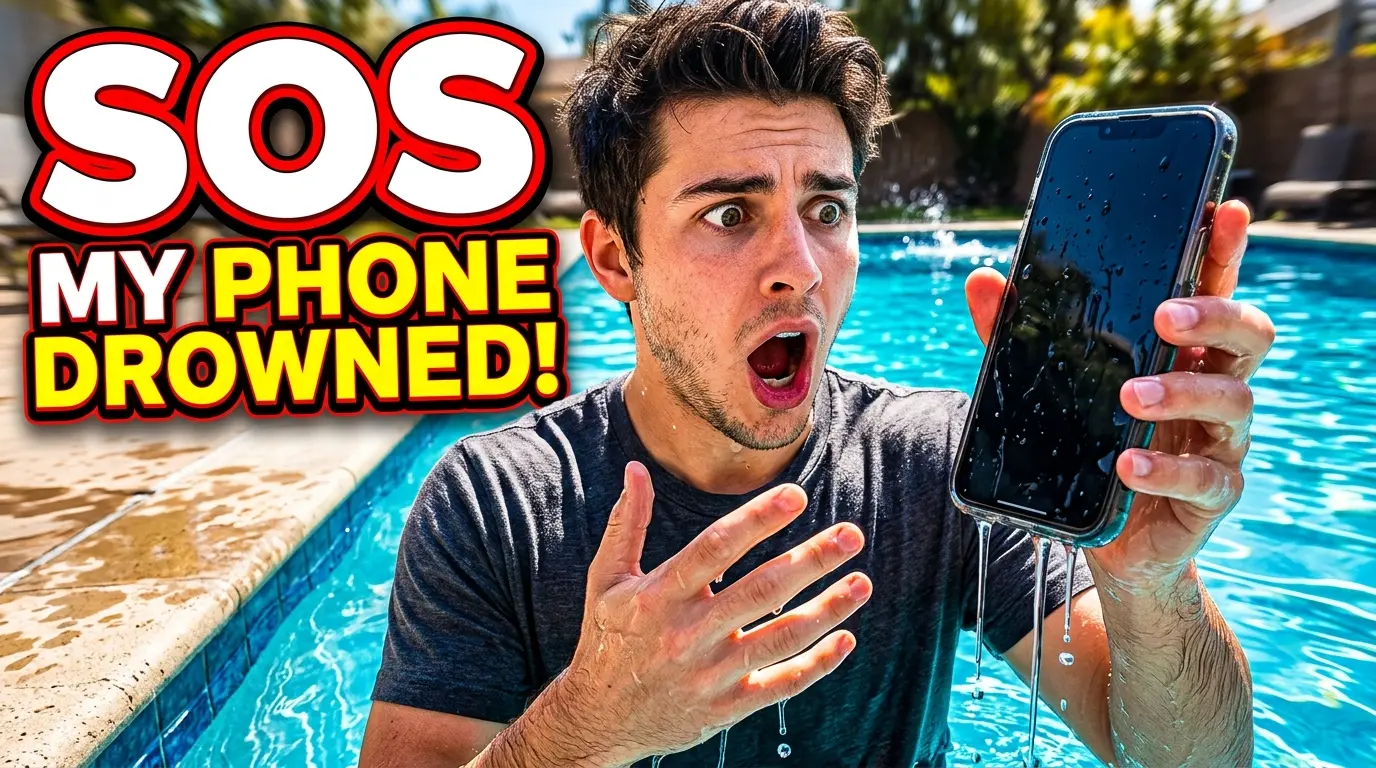
The first 300 seconds after a smartphone drops into liquid determine whether the device survives intact or ends up as an expensive paperweight. Forget rice bowls and hair dryers: emergency survival requires cutting power immediately, stripping physical barriers, controlled gravity draining, and calibrated acoustic ejection.
The Golden 300 Seconds: Why Immediate Action Saves Hardware
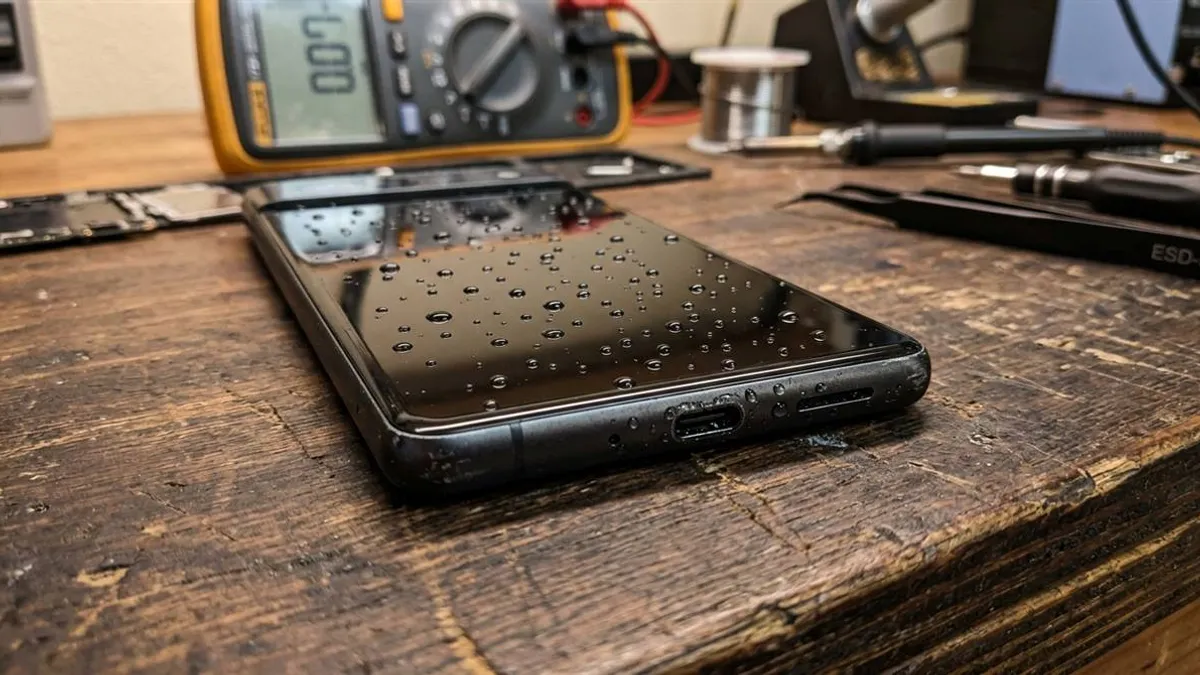
When a phone submerges, liquid takes between 10 and 60 seconds to breach outer perimeter rubber seals through moving water pressure. Once inside, water follows capillary tracks toward the lowest points of electrical resistance. If power is coursing through the motherboards, electrolytic short-circuiting occurs in milliseconds.
However, if you intervene within the first 5 minutes and eliminate electrical potential, modern conformal coating on microchips provides a brief window of protection. Whether dropped in a sink, pool, or phone dropped in the toilet, executing these exact steps immediately is your highest-probability survival strategy.
Step 1 & 2: Instant Shutdown and Case Removal
Step 1: Shut Down Immediately. Do not look at notifications, do not swipe through apps, and do not try to take a photo of the splash. Long-press the power button (or Power + Volume Down on modern iPhones and Samsungs) and shut the device off. If the touchscreen is unresponsive, perform a hard forced shutdown.
Step 2: Strip Off Cases and Accessories. Remove heavy protective cases, wallet covers, and rubber bumpers. Phone cases trap water against chassis seams, maintaining 100% relative humidity and forcing liquid inside over hours. Remove the SIM card tray with an ejection pin to inspect the Liquid Contact Indicator and create an air passage.
Step 3 & 4: Gentle Gravity Draining and Active Room Airflow
Step 3: Controlled Gravity Draining. Hold the phone vertically with bottom speaker ports facing down. Tap the top edge against the palm of your hand. Never shake the phone like a cocktail shaker; aggressive shaking acts like a centrifuge, propelling water droplets into unsealed camera modules and Face ID sensors.
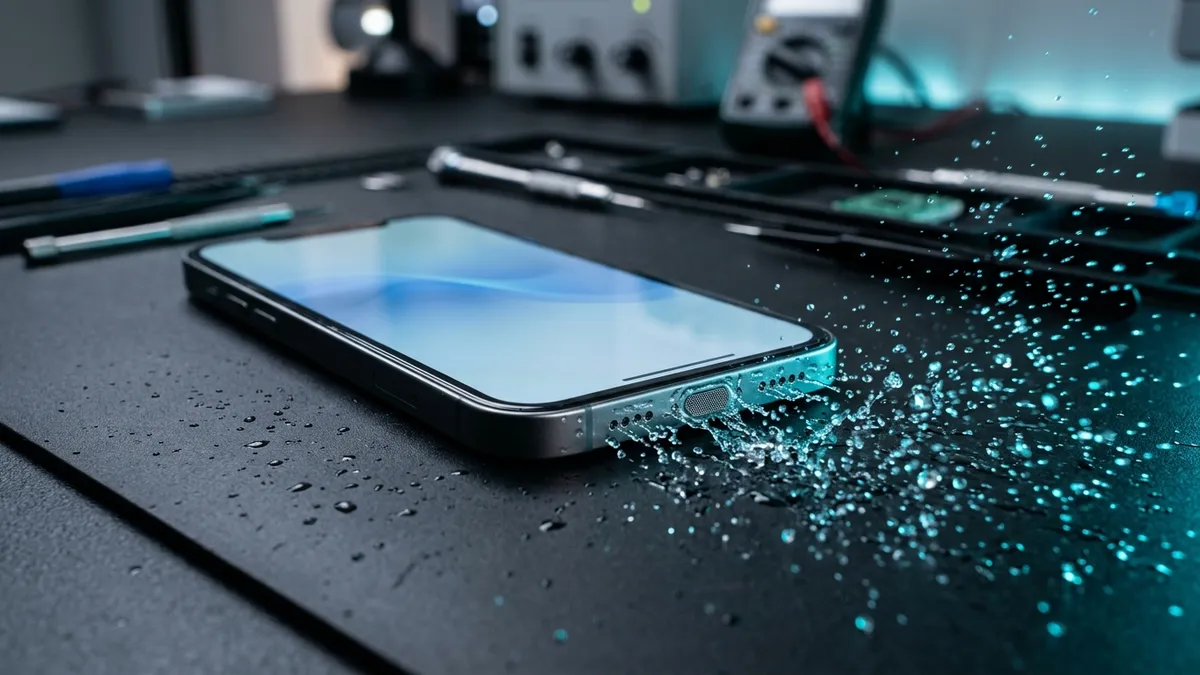
Step 4: Cool Airflow Evaporation. Stand the phone upright on a clean, dry microfiber cloth right in front of a regular household fan. A steady stream of room-temperature air drops the vapor pressure around the open ports, pulling moisture out naturally without stressing the battery or melting internal glue.
First 5 Minutes: What Saves Hardware vs What Kills It
Those first few minutes after pulling your phone out of water decide whether your device survives or ends up on my scrap pile. Here is the raw truth from the repair bench on what works and what ruins circuits:
| Action Type | Bench-Approved Protocol | Catastrophic Mistake | Physical Reason |
|---|---|---|---|
| Power State | Power off instantly | Keep using or test apps | Cuts electrical current to stop electrolysis |
| Charging | No cables for 5+ hours | Plug into charger | Prevents 5V-20V arcing across wet micro-pins |
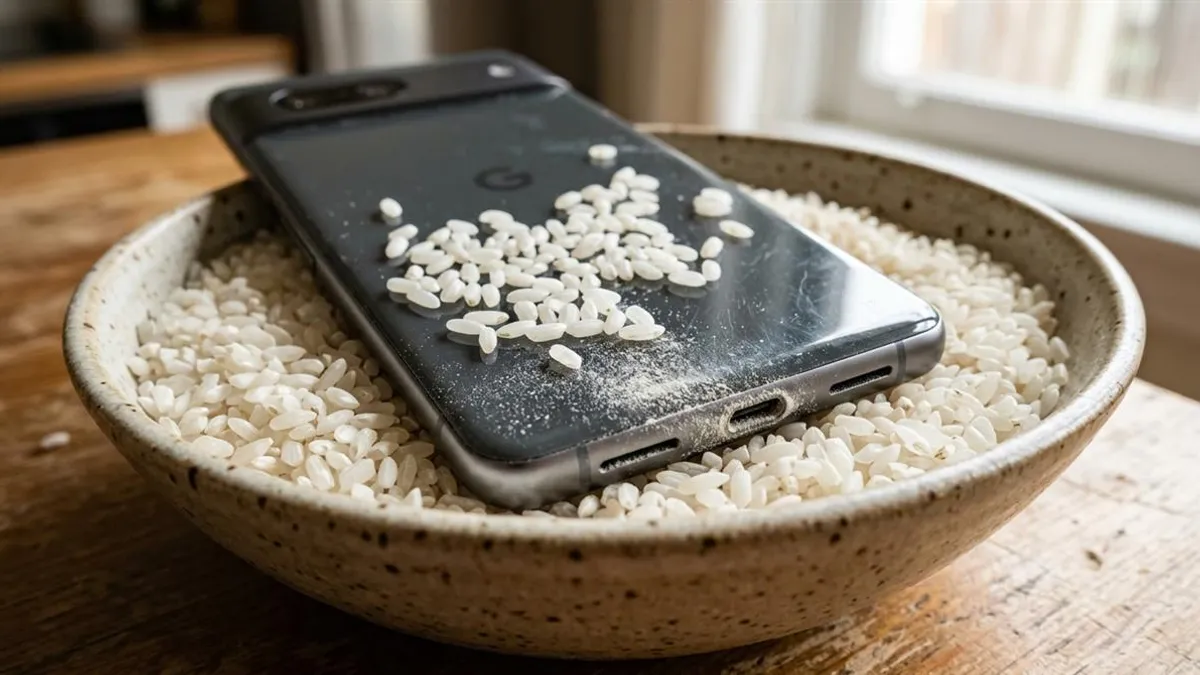
| Drying Method | Room fan moving airflow | Hair dryer or raw rice bowl | Avoids melting adhesive seals and starch pastification |
| Acoustic Grilles | 165Hz acoustic wave ejection | Poking with needle or pin | Safely expels water without tearing diaphragm |
Now Push the Water Out of the Speaker
Phone dry on the outside? Good. Now open our free Water Eject 165Hz Online Sound Generator. Play the calibrated tone at maximum volume with speakers pointed downward toward a paper towel to shatter surface tension and force water droplets outward.
If your device does not respond to the power button or shows zero signs of life, review our bench troubleshooting steps for a phone that won't turn on after water damage before taking it to an expensive repair center.
Model-Specific First 5 Minutes Emergency Commands
Executing an emergency forced shutdown requires knowing your specific phone's physical button shortcuts:
- iPhone 8 through iPhone 16: Press and quickly release Volume Up, press and quickly release Volume Down, then press and hold the Side Power button until the screen goes completely black. Do not wait for the power slider if the touchscreen is wet.
- Samsung Galaxy (S20 to S25, A Series): Press and hold both the Volume Down button and the Side Power key simultaneously for 7 to 10 seconds until the display shuts off.
- Xiaomi, Redmi & Poco: Press and hold the Power button for a full 10 to 12 seconds until the screen cuts out.
- Google Pixel: Press and hold Power + Volume Up for 10 seconds until the device forces a hard hardware power cut.
Bench Inspection: What Liquid Contact Indicators (LCI) Reveal
There is a small white paper strip hidden inside your SIM tray slot. Every phone has one. It is called a Liquid Contact Indicator, and the second real water touches it, the strip bleeds bright red.
Pop the SIM tray out, grab your phone flashlight, and look inside. Strip still white? The inner gasket held — water stayed on the outside. Strip turned pink or red? Water got past the seal. Do not charge the phone for at least 24 hours.
Frequently Asked Hardware Questions
What is the very first thing I should do when my phone drops in water?
Retrieve it immediately and power it off completely. Do not check screens, do not swipe the screen, and do not test volume.
Can I use a hair dryer on the cold setting?
Even cool air from a hair dryer has enough focused air velocity to blow droplets past exterior seals deeper into internal cavities. Use indirect room fan airflow instead.
How do I know if water got inside the phone?
Check the Liquid Contact Indicator (LCI) inside the SIM tray slot using a flashlight. If the white strip has turned pink or bright red, liquid entered the chassis.
Written by Lucas Silva
Senior Audio Acoustics Engineer & Smartphone Hardware Specialist
Lucas Silva specializes in micro-soldering diagnostics, acoustic resonance calibration, and liquid ingress recovery across iOS and Android hardware architectures with 7+ years of bench laboratory experience.
Connect on Official LinkedIn