How to Get Water Out of iPhone: The Complete Step-by-Step Guide
 By Lucas Silva
⚡ Bench Diagnostic Summary:
Getting water out of an iPhone requires understanding its unique dual-transducer acoustic chambers and sensitive charging pins. Never shove cotton swabs into the Lightning/USB-C port or place the device in rice; instead, rely on gravity tapping, room airflow, and calibrated 165Hz acoustic wave expulsion.
Is Your iPhone Truly Waterproof? The Laboratory Reality
Starting with the iPhone 7, Apple engineered water resistance into iOS hardware. iPhone 12 through iPhone 16 models carry an official IP68 rating under IEC standard 60529, certified for submersion up to a maximum depth of 6 meters for up to 30 minutes. However, many owners overlook the critical word in Apple's technical specifications: water resistance, not permanent waterproofing.
On our repair bench, we regularly open water-damaged iPhone 14 and 15 models that took only a brief tumble into a swimming pool or sink. Why? Because the perimeter adhesive gasket that seals the OLED display to the stainless steel or titanium frame loses elasticity over time. Every minor drop flexes the chassis, breaking microscopic glue bonds and allowing capillary action to pull water directly onto the logic board.
What Apple Officially Recommends for Liquid Contact
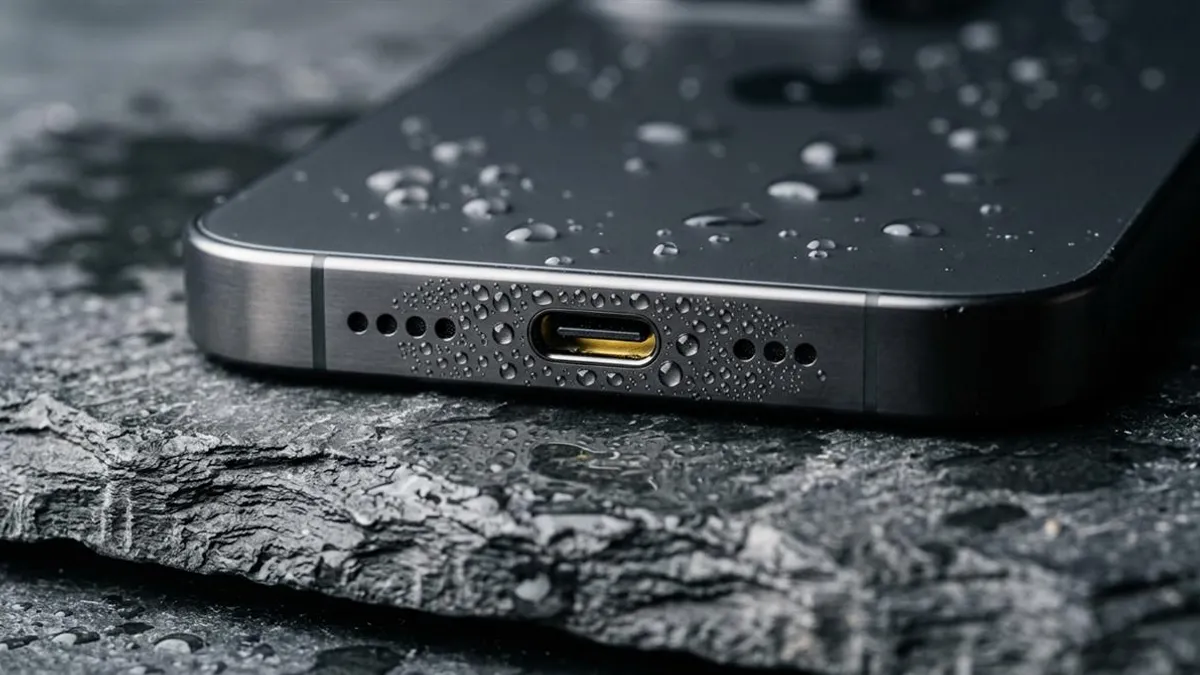
Apple provides clear guidelines for handling an iPhone exposed to liquid. First, tap the iPhone gently against your hand with the Lightning or USB-C connector facing downward to dislodge excess surface liquid. Wipe the exterior thoroughly with a soft, lint-free microfiber cloth.
Second, place the iPhone in a dry area with some airflow — such as facing a fan blowing cool air directly into the connector. Apple strictly instructs users to wait at least 5 hours before attempting to plug in a charging cable. For persistent lens misting, see our bench instructions on clearing condensation inside iPhone camera lenses.
The Dangerous Mistakes That Kill Wet iPhones
When an iPhone takes a bath, panic often leads users into three catastrophic errors:
- Hair Dryers or Heat Guns: Blasting hot air melts the waterproof perimeter adhesive seals instantly and expands air trapped inside the chassis, creating internal pressure that forces water droplets into unsealed camera modules and Face ID optical sensors.
- Foreign Objects in Ports: Shoving paper towels, rolled tissues, or cotton swabs into the charging port bends the delicate gold-plated spring pins and leaves behind lint fibers that absorb moisture like a sponge.
- Raw Rice: Inserting an iPhone into rice violates Apple's official support guidance; rice starch particles enter the charging port and form an abrasive crust.
iPhone Water Damage Severity by Model Tier
Hardware vulnerability varies significantly depending on your iPhone's generation and internal acoustic architecture:
| iPhone Series | Factory Rating | Port Architecture | Primary Vulnerability |
|---|---|---|---|
| iPhone 15 & 16 Series | IP68 (6m, 30 min) | USB-C (24 micro-pins) | Fine USB-C pin bridging |
| iPhone 12 to 14 Series | IP68 (6m, 30 min) | Lightning (8 gold pins) | Face ID dot projector moisture |
| iPhone 11 & XS Series | IP68 (2-4m, 30 min) | Lightning | Aged adhesive gasket decay |
| iPhone SE / 7 / 8 | IP67 (1m, 30 min) | Lightning + Home Button | Home button perimeter ingress |
Ejecting Water from iPhone Speakers Using Sound Waves
The Apple Watch has a built-in Water Lock feature that physically buzzes moisture out of its acoustic cavity. While iOS does not ship with this feature out of the box, you can achieve the exact same mechanical result in your browser. Launch our free Water Eject Pro web tool, set volume to 100%, and run two 62-second expulsion cycles.
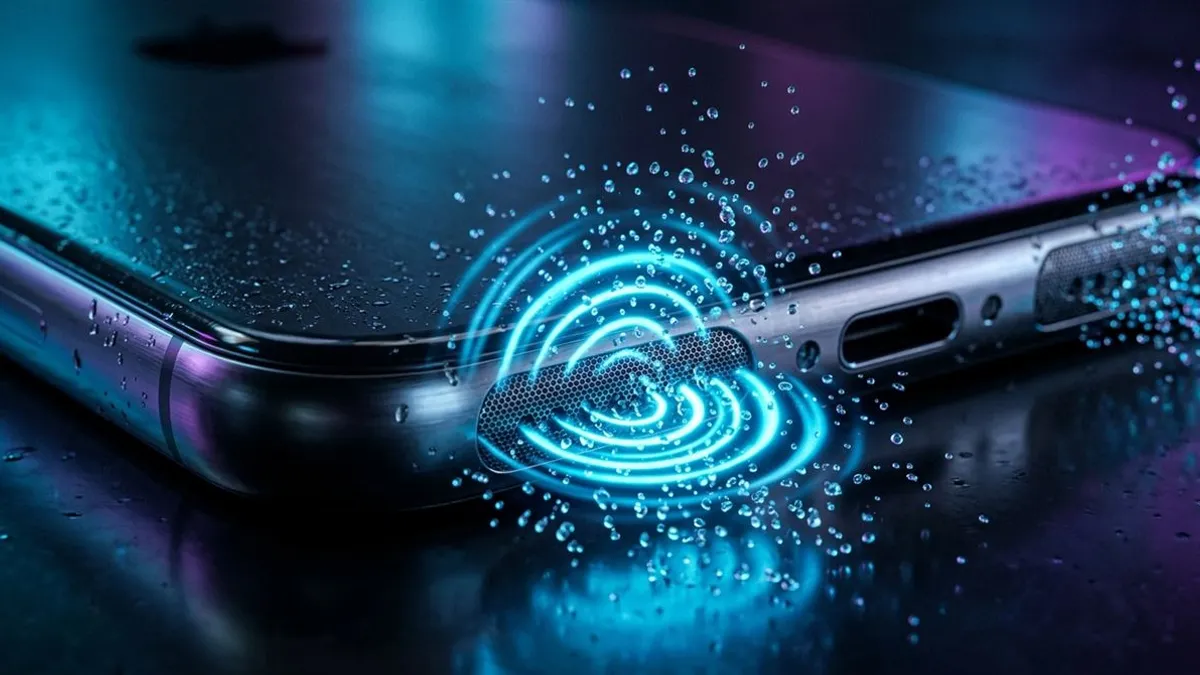
The 165Hz sine wave creates acoustic pressure pulses that shatter liquid surface tension and force droplets out of the bottom speaker grilles and top earpiece receiver. If your phone triggers a warning upon connection, follow our guide on handling liquid detected in Lightning and USB-C connectors to avoid burning your charging IC.
Your iPhone Model Changes Everything About How You Dry It
Apple changes the internal layout almost every generation. What saves an iPhone 15 can ruin an iPhone 11.
iPhone 15 and 16 (titanium + USB-C): The titanium frame expands and contracts at a different rate than the Ceramic Shield glass. A customer blasted his wet iPhone 16 Pro with a freezing AC vent — the titanium shrank faster than the glass and the front seal cracked open. Room-temperature fan air only. If USB-C keeps throwing moisture warnings, charge through MagSafe until the port dries.
iPhone 12, 13, and 14 series: Flat stainless steel edges (Pro) or aluminum (base). Bottom speaker holes are asymmetrical — fewer on the left (mic), more on the right (speaker). Tilt rightward during 165Hz playback so gravity pulls water out the correct grille.
iPhone 11 and older: Curved aluminum body with adhesive seals that are years old and brittle from thousands of pocket flex cycles. Water reaches the motherboard way faster on these older phones than on a fresh iPhone 15. Kill power immediately. Give it 12 full hours in front of a room fan before plugging in any cable.
Frequently Asked Hardware Questions
Is my iPhone completely waterproof?
No modern iPhone is 100% waterproof. Starting with iPhone 7, Apple provides IP67 or IP68 water resistance, which degrades from physical drops, pocket lint friction, and daily heat cycles.
Can I charge my wet iPhone with MagSafe wireless charging?
Yes. MagSafe uses inductive electromagnetic coils through the glass back panel, keeping charging current completely isolated from wet Lightning or USB-C port pins.
What does Apple recommend when an iPhone gets wet?
Apple advises tapping the iPhone gently against your palm with the connector facing down to remove excess liquid, leaving it in a dry area with moving airflow, and waiting at least 5 hours before cable charging.
Written by Lucas Silva
Senior Audio Acoustics Engineer & Smartphone Hardware Specialist
Lucas Silva specializes in micro-soldering diagnostics, acoustic resonance calibration, and liquid ingress recovery across iOS and Android hardware architectures with 7+ years of bench laboratory experience.
Connect on Official LinkedIn